From time to time I like to make small projects that are good for nothing. This weekend I have created a small project that I call “HTML image maker”.
Description
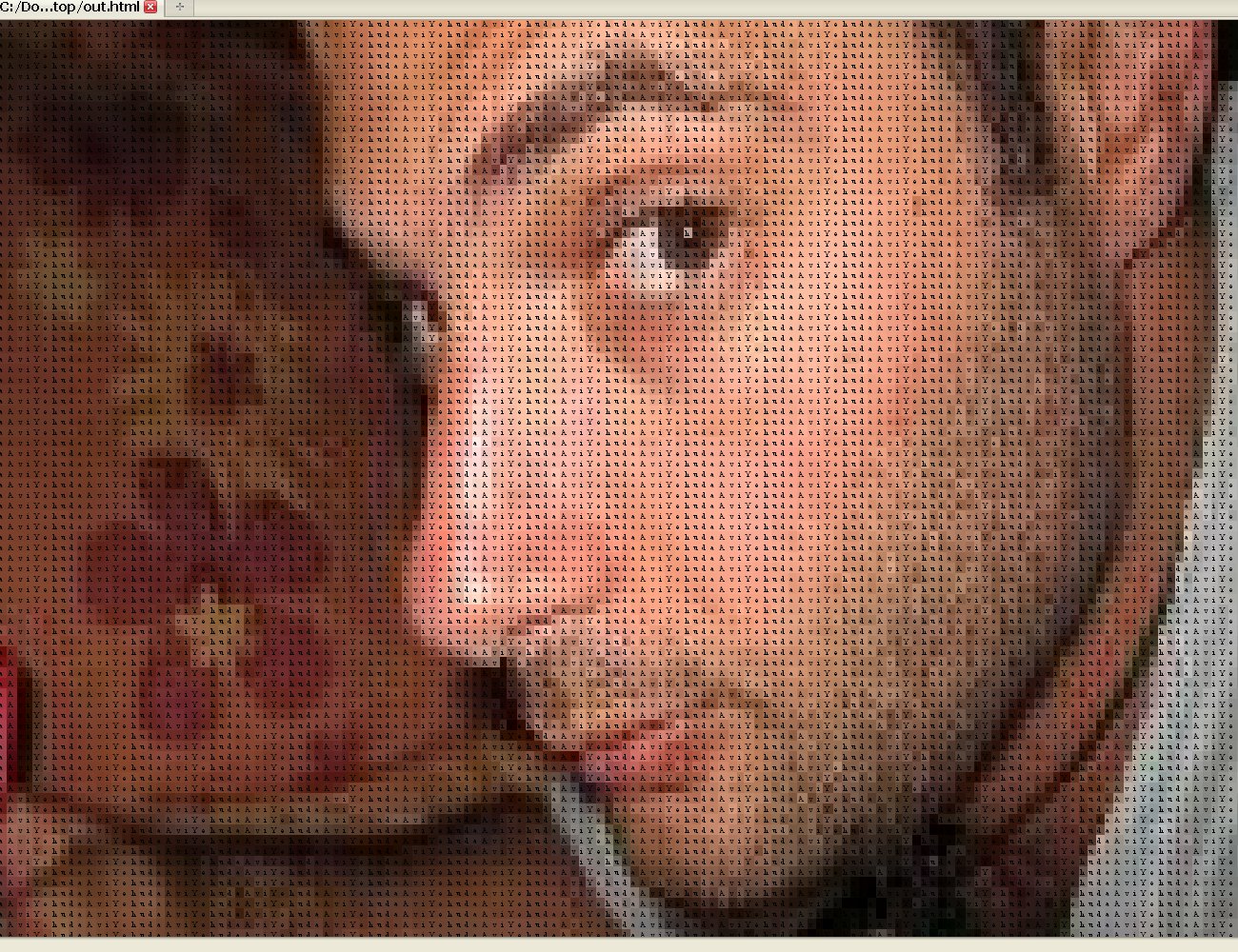
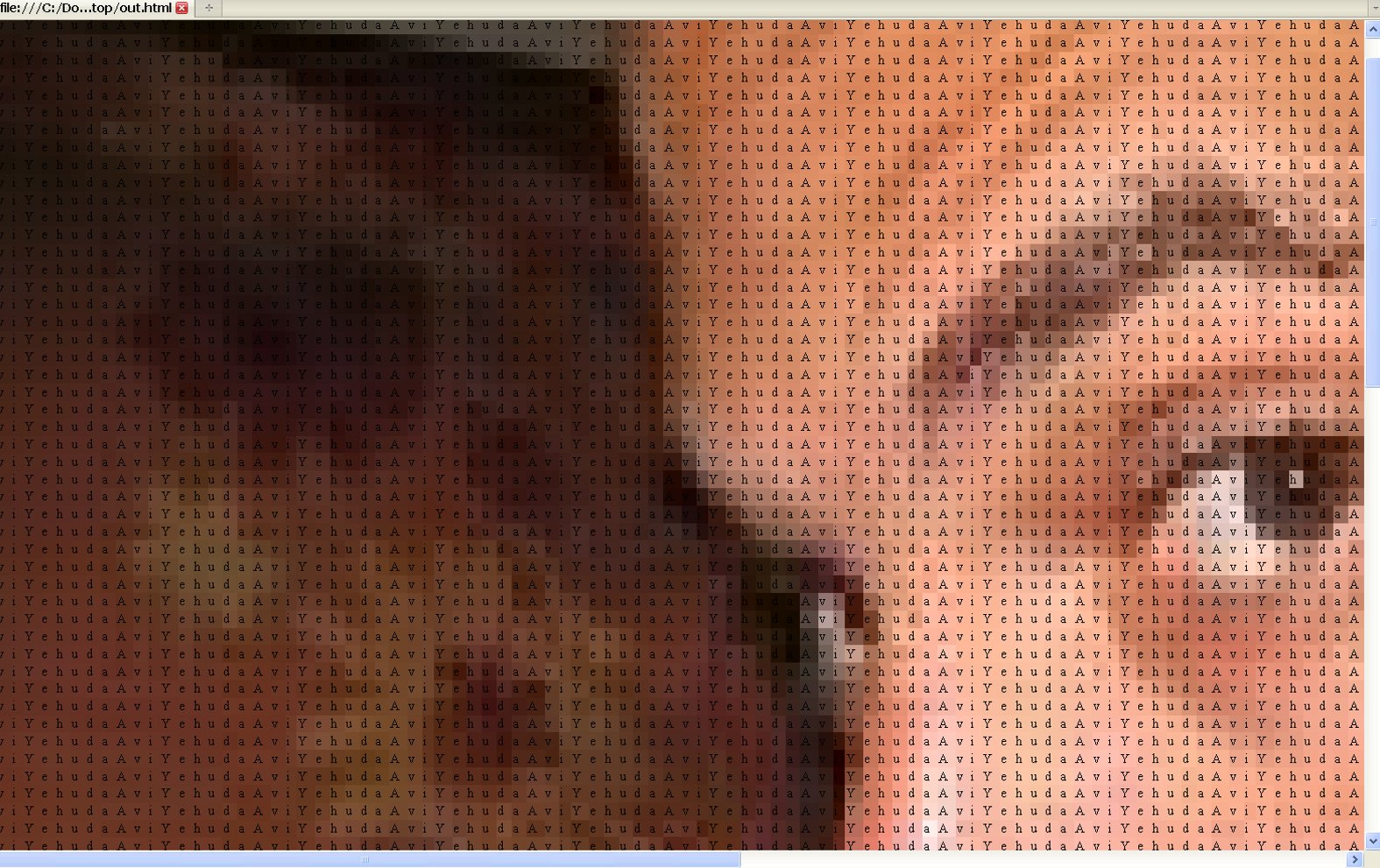
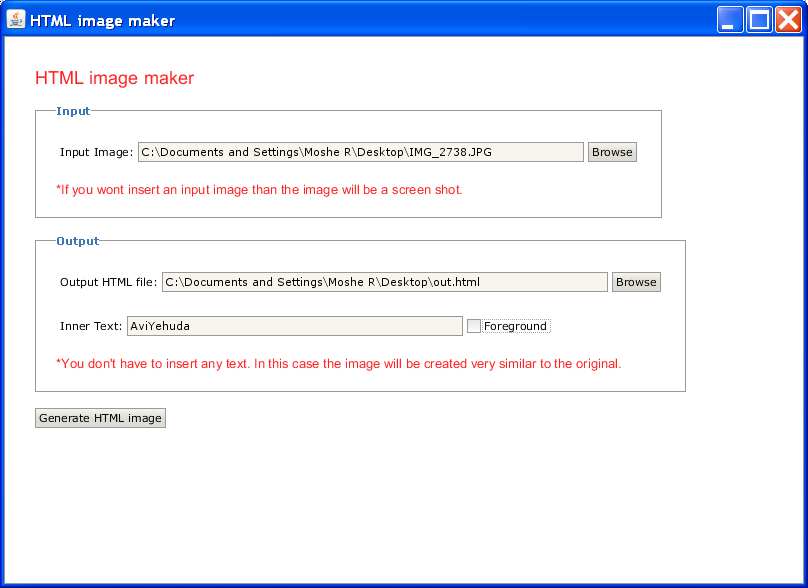
- It’s purpose is to take existing images and to generate HTML table where each pixel is replaced by a table cell.
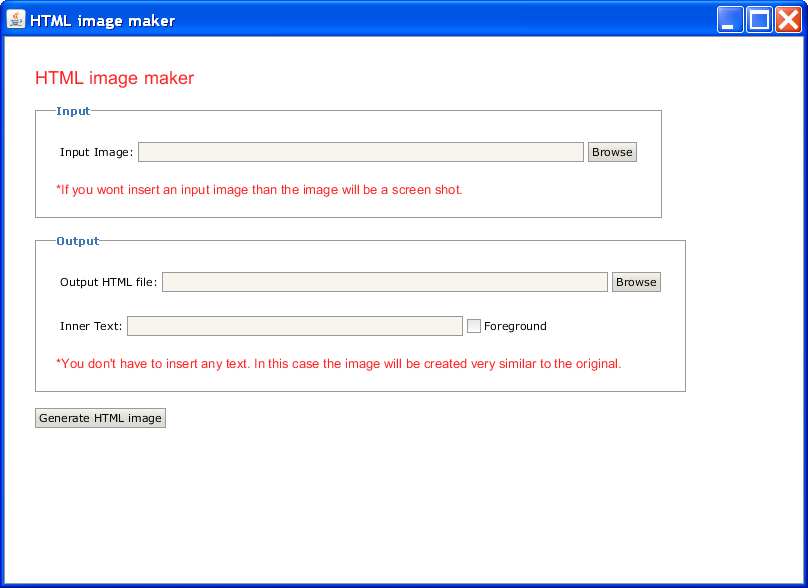
- It is also possible to insert text inside the cells where the color of the cell is at the background of the text or in the foreground.
- If you won’t insert input image than the program will simply create a screen shot image instead.
Used technologies
- The image manipulation is done using java’s ImageIO object.
- The user interface was built using Apache Pivot.
Screen shots
Click to enlarge.
|
|

|
|
|
|
|
 Download the sources (eclipse project)
 View on github
Instructions
- No need to install.
- To start the program execute Html image maker.bat.
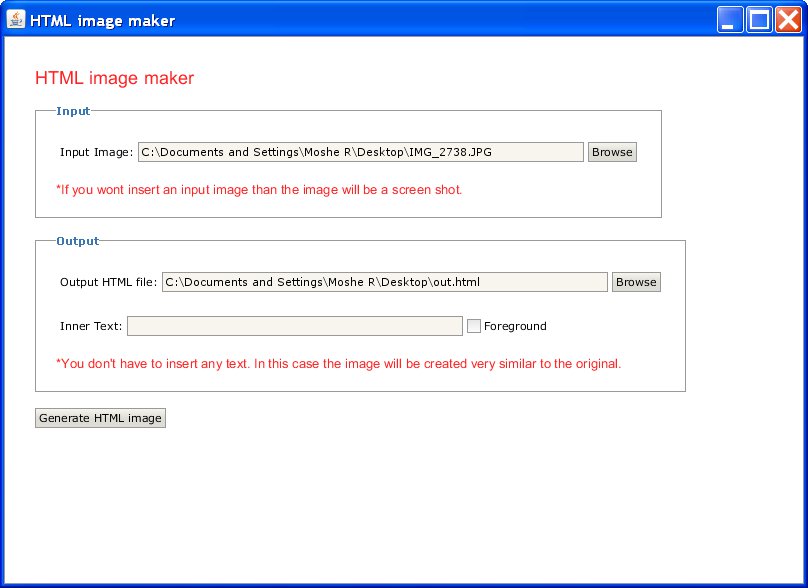
- Optional – Insert input image path. If you won’t insert input image than the image will be generated from the screen shot.
- Insert an output path for the Html file.
- Optional – You can enter text to be inserted inside the image. Select foreground if you would like to color the text itself instead of the background.
- Press ‘Generate HTML image’.
Warning
- This software consumes a lot of memory. You should use it on not so big images.
Sounds like it was fun to develop.
Yes it was 🙂